I use RAID quite a bit in my home lab. My main servers have redundant storage, and I’ve used RAID-1 and RAID-10 for years. If a drive fails in one of my primary storage arrays, I don’t want the server or its storage disappearing while I wait for a replacement drive.
My backup machines are different.
I have several inexpensive backup targets built from old computers. One of them is an offsite machine with two (for now) large hard drives, and those drives aren’t mirrored. I use the available capacity instead.
That was a deliberate choice.
RAID Would Cost Me Half My Backup Space
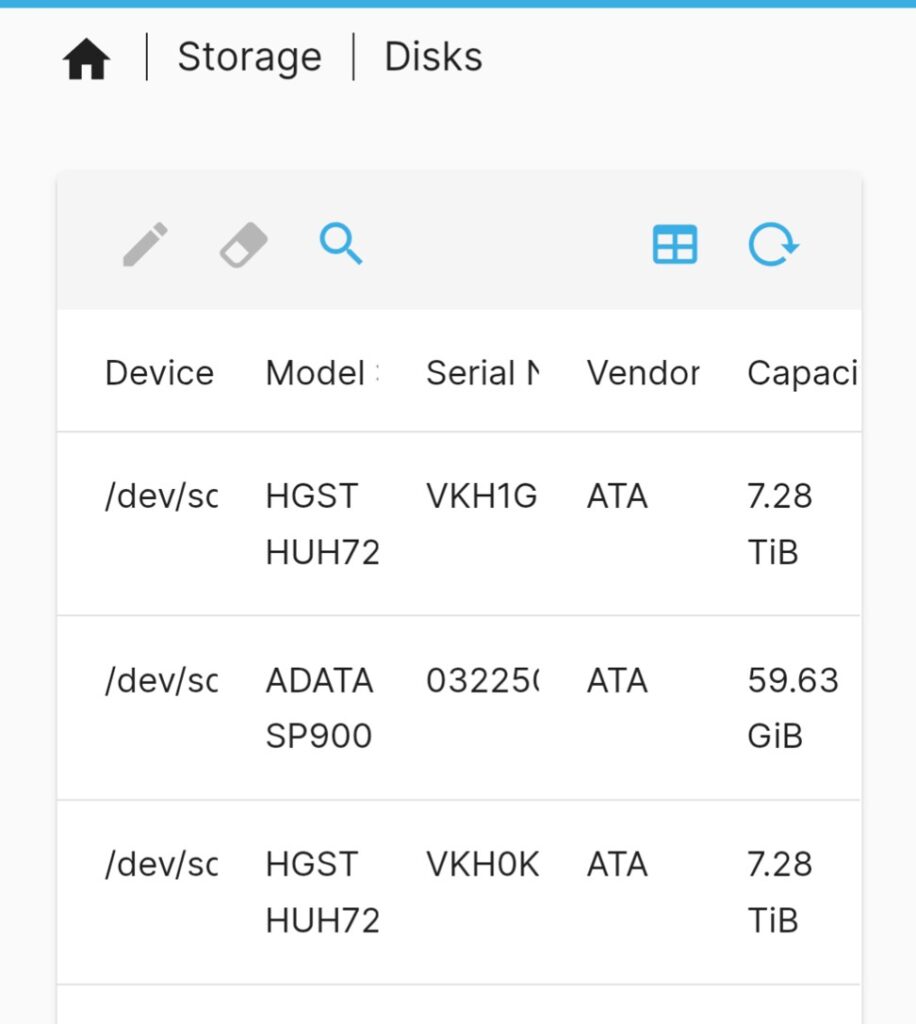
Take my offsite backup machine as an example. It has two 8TB drives.
I could have mirrored those drives and ended up with approximately 8TB of usable space. This was actually considered—for about two minutes. Instead, I use them as separate drives and have approximately 16TB available for backups.
For primary storage, I’d normally prefer the mirror. And the protection that provides.
For this particular backup target, I’d rather have the extra 8TB.
The reason is pretty simple: this isn’t the original copy of the data.
Everything being sent to this machine already exists somewhere else. That’s why it’s called a backup.
In most cases, it isn’t the only backup copy either. I’m paranoid.
What Happens When (not if) a Backup Drive Fails?
Eventually, one will.
I’ve used hard drives long enough that I don’t build a storage strategy around the assumption that they won’t fail. That would be foolhardy. I’ve been in IT long enough to see a literal score of drives fail in server arrays over the years; the replacements would often show up in a day or two, and we’d just swap out the failed for the replacement drive and let the server, or SAN, rebuild it in the background.
If one of the drives in my primary storage fails, redundancy matters. I want the array to stay online, replace the failed drive, rebuild it and continue using the system.
If an 8TB drive in one of these backup machines fails, the situation is different. I’ve lost a backup copy of whatever was stored on that particular disk.
That’s inconvenient, but it isn’t a disaster. I’ll replace the drive and recreate the backup from the original data or another copy.
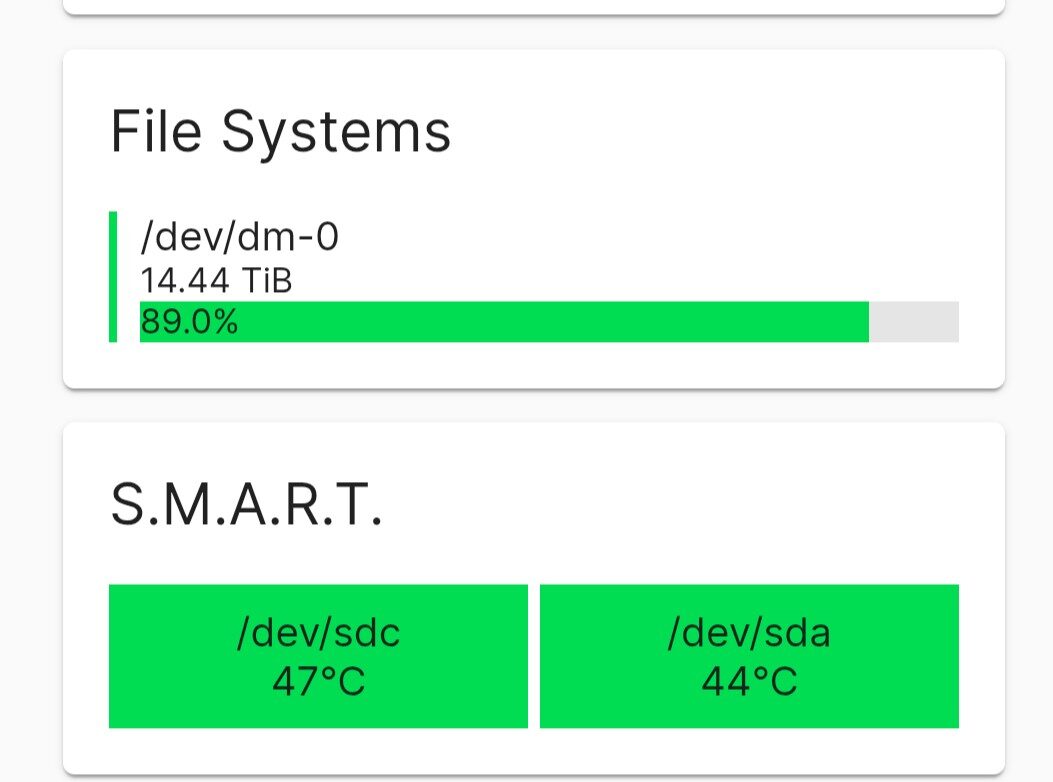
SMART monitoring on the backup machines within OMV can send alerts if drive temperatures rise too quickly, get too hot, or SMART starts reporting other problems. I normally receive an email within thirty to forty-five minutes of OMV detecting an issue. Of course, SMART isn’t going to predict every drive failure. Filesystem problems, read/write errors, or other issues could also show up during one of the rsync backup jobs, which email me when they succeed or fail.
That means I’m accepting some additional work after a drive failure in exchange for twice the usable backup capacity.
For me, that’s a good trade.
RAID and Backup Solve Different Problems
I think some of the confusion comes from treating RAID and backups as though they solve the same problem.
They don’t.
RAID gives me redundancy and availability. If a drive fails, the data can remain available while I replace the failed drive.
A backup gives me another copy of my data.
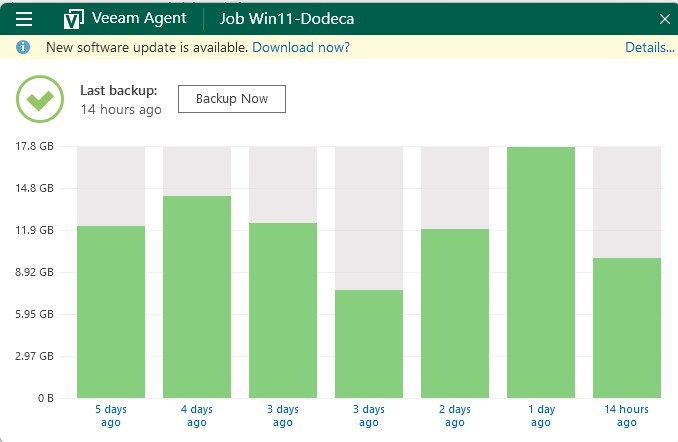
RAID doesn’t help much if I accidentally delete a file, corrupt something, lose an entire machine, or have some other event that affects the data rather than a single disk. That’s where having another copy somewhere else matters. For my desktop and workstations, daily Veeam backups to network storage and periodic copies to offline storage provide this safety net.
For my primary servers, I want both.
For a machine whose only purpose is holding additional copies of data, I don’t necessarily need both on that machine.
I’d Rather Have Another Copy
There’s also a cost issue.
Large hard drives aren’t cheap. If I buy four 8TB drives and put them into two mirrors, I have roughly 16TB of usable capacity.
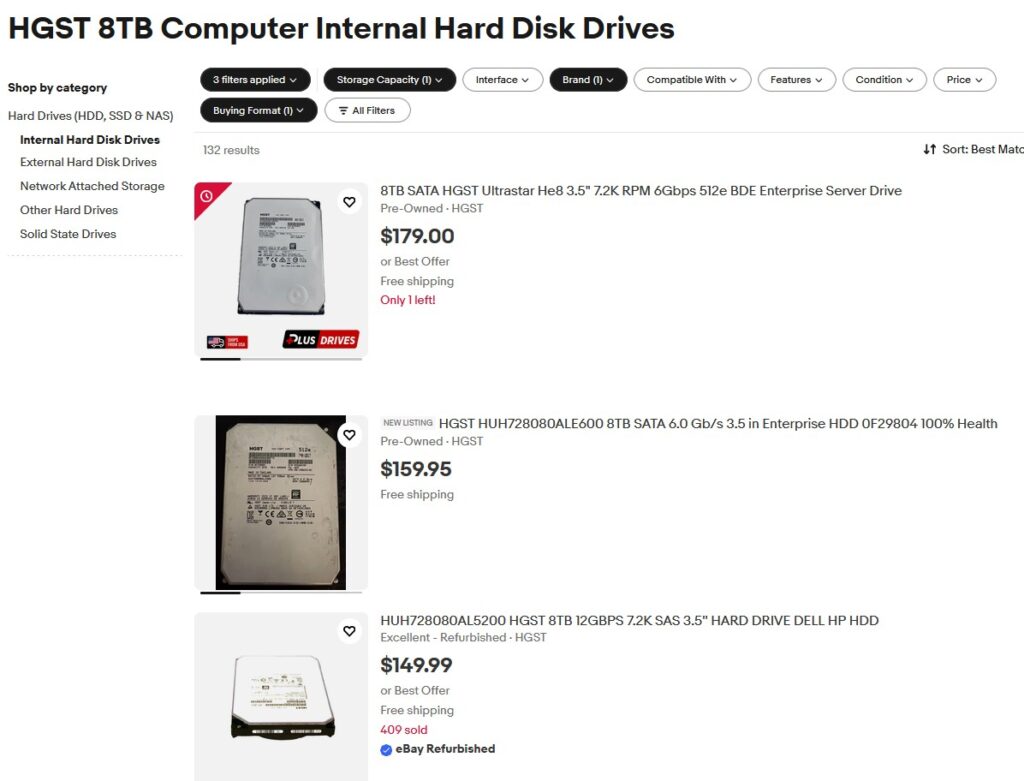
Those same four drives used as independent backup storage give me roughly 32TB.
For my backup strategy, I’d rather use that extra capacity to keep more data, more backup generations, or additional copies in different locations.
That’s particularly true with these backup machines. One sits at a friend’s house and another sits at mine. I’m more interested in having data in another physical location than making each individual backup target highly available.
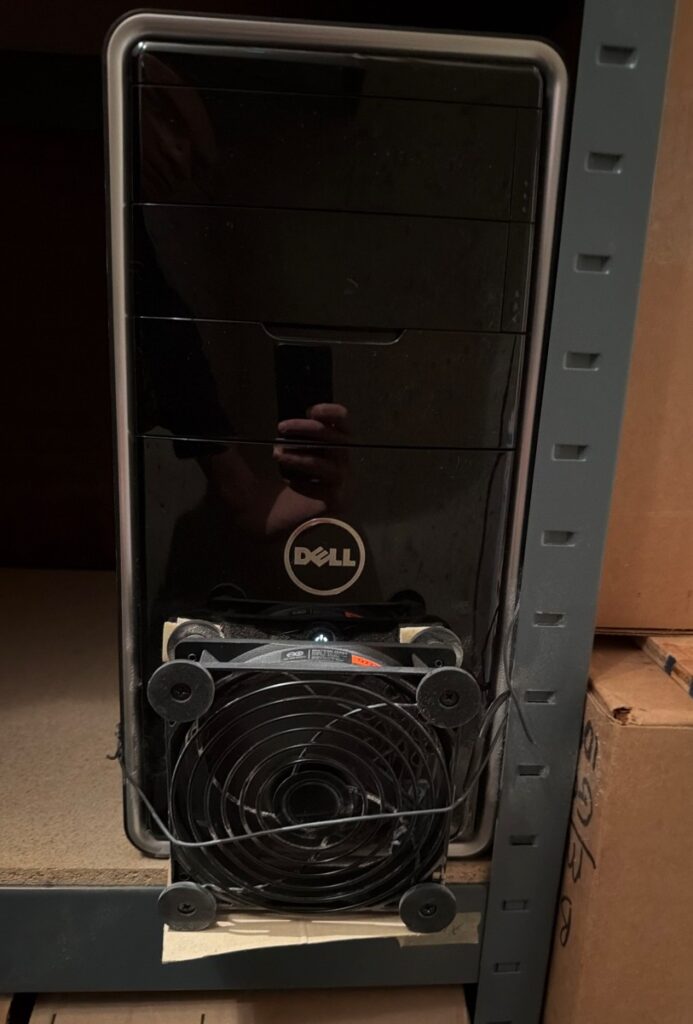
If one of those machines is unavailable for a day while I replace a disk, that’s okay. Nobody is depending on it to keep Plex running or a virtual machine online.
It’s a backup target.
This Doesn’t Mean I Don’t Like RAID
I don’t want this to sound like an argument against RAID. It most definitely is not.
I use RAID where I think it makes sense, which, in my case, means the servers.
If I were storing the only copy of important data on one of these machines, my decision would be very different. And if I needed a backup repository to remain available through a disk failure, RAID would make considerably more sense there too.
My particular backup machines don’t have either requirement. They’re inexpensive computers holding additional copies of data that exists elsewhere. If one loses a disk, I can rebuild that backup. It’d take time but it is not the end of the world.
So I made the choice to maximize usable storage rather than availability.
For my primary storage, I want redundancy. For backup storage, I’d often rather have another copy.
Leave a Reply