RAID-10 on a hardware controller has some real advantages over RAID-1, particularly when it comes to performance. And with four drives instead of two, it can tolerate certain combinations of drive failures that would take down a simple mirror.
At my organization, we’d been running servers in-house for many years, and we’d always used mirrored boot drives for the operating systems. Over time, as our storage needs and standards evolved, we moved from RAID-5 (don’t judge; this was the late 90s and very early 2000s) to RAID-6, and eventually I got us to standardize on RAID-10 for our SANs.
RAID-10 worked great for us. When a drive failed, rebuilding onto its replacement was relatively quick and straightforward. After years of good experiences with it, RAID-10 became my default choice whenever I had four or more drives to work with.
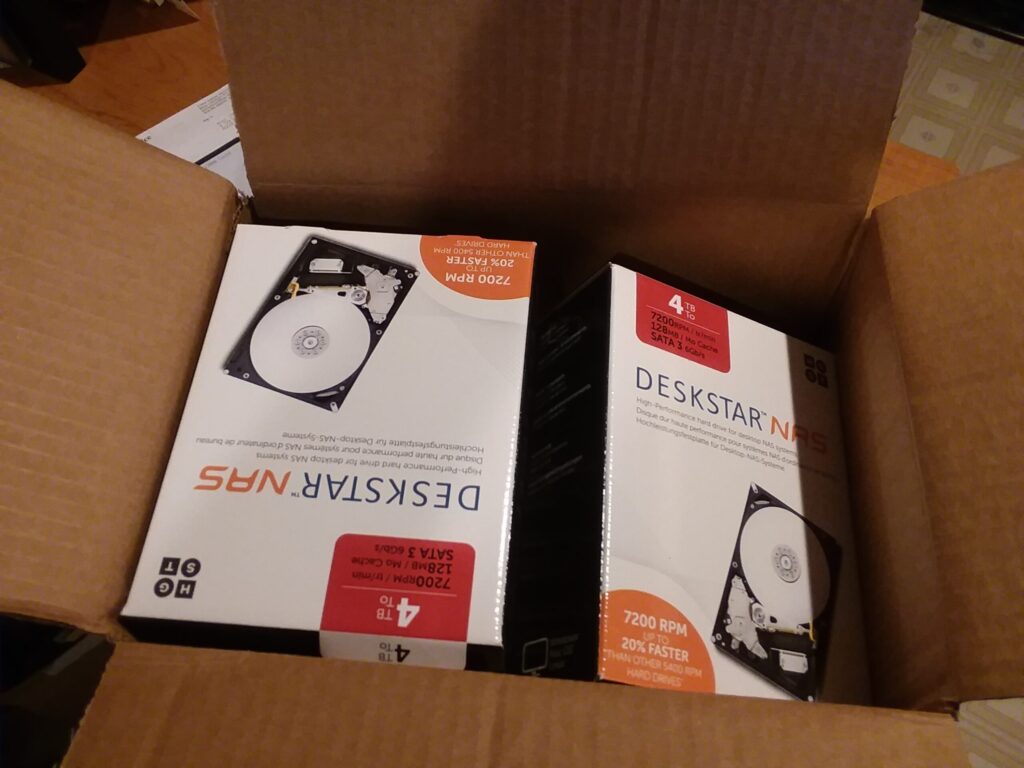
So when the Dell R710, with eight 3.5″ bays, showed up at my house, I started with one RAID-10 array (4x4TB HGST). And it worked great. I was running ESXi on the server, so I could boot from the internal SD cards (or internal USB thumb drive). I didn’t need to take up any drive slots for the OS, so I had all eight bays for storage.
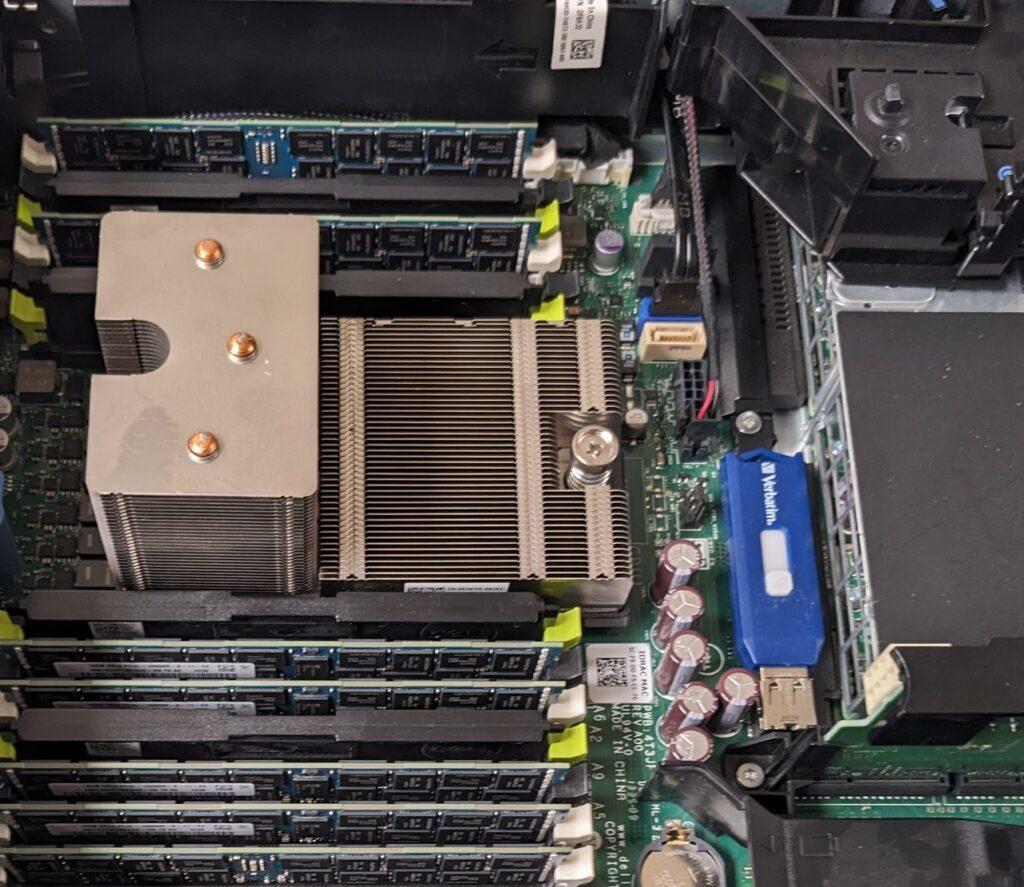
One of the values of the PERC controllers in the generation of Dell servers I’ve been running is that the controllers were compatible enough that I could move arrays between servers (I’m running PERC H710Ps with the latest firmware 21.3.5-0002).
When I moved from my R710 to the R720 in 2020, I was still running ESXi and simply moved my existing RAID-1 and RAID-10 sets into the new server. The PERC H710P controller saw them as foreign arrays, I imported them, and less than two hours after shutting down the R710 I had Plex playing media from the pool again.
Over time, as I increased storage requirements and upgraded servers, the RAID-10 arrays became a bottleneck for upgrades.
With the RAID-10 arrays I was running on my Dell PERC controllers, increasing capacity wasn’t nearly as simple as swapping a pair of drives. My practical upgrade path was to back everything up, destroy the array, replace all four drives, create the larger array and restore the data. In my home lab, I have done this twice over the years.
And it isn’t fun.
It requires very careful planning and execution, and there are certainly some possible gotchas.
In 2023, I decided to increase the main storage pool on one server. I was spread across eight drives at the time (still on ESXi at that point). Two RAID-10 arrays, each 4x4TB. I decided to upgrade one of those arrays to 4x10TB, which would more than double the capacity of that array. But first, I needed to make sure everything on that storage was backed up, or stored elsewhere.
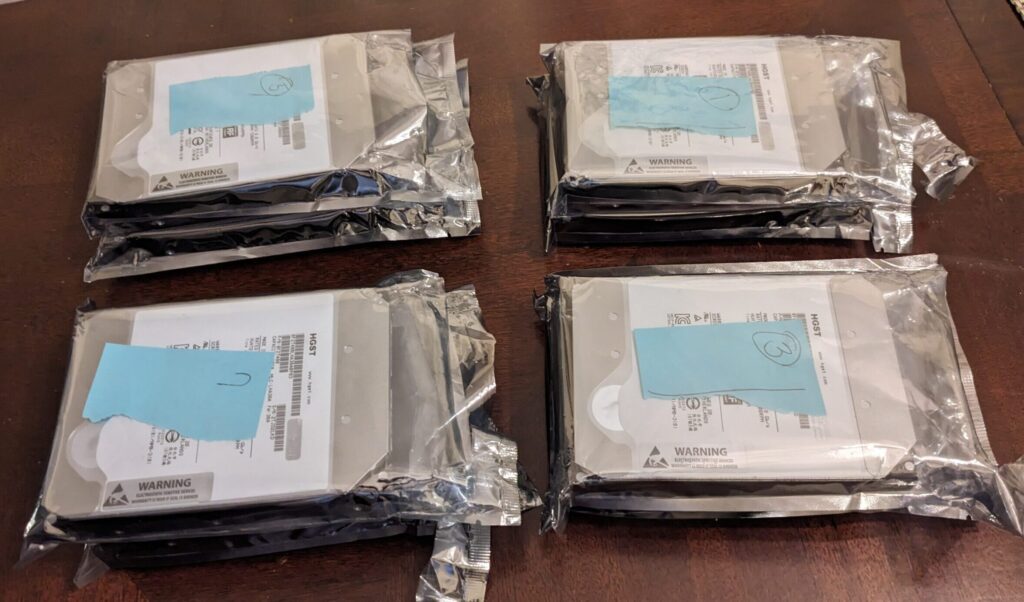
On that host, I storage migrated all the non-OpenMediaVault VMs off that to the other array. Then I looked at the OMV instance and determined how it was going to get moved.
It wasn’t.
There was not enough space anywhere that I could copy this OMV instance. That would have been a bad idea anyhow.
Sitting on the second server is another large OpenMediaVault instance that the primary OMV instance on the first server Rsyncs its media changes to a couple times a week. I decided to use it to get this pool upgrade accomplished.
I spent a fair amount of time over several days making sure everything from the primary was in fact on the other instance. Cross-checking numbers, just making triple certain. Once I saw it was, I focused on how to keep certain functions running when I took down the main OMV pool.
I didn’t want to lose access to Plex for a few days, so I changed the fstab in the VM to point to the backup OMV instance. My security cams also write to an FTP service on a Mint VM. I changed fstab on the FTP VM to point to this backup OMV, too.
Once I confirmed the cams were writing to the backup instance, and Plex could play music or movies, I could begin the main task.
I deleted the virtual disk from the server, and swapped in the larger drives and then let the server’s PERC card initialize the drives. Because I had all my main VMs up and running, I didn’t rush things. I let the new RAID-10 array finish initializing over the next day or so. Then I rebuilt the datastore in ESXi, and created the new OMV installation from scratch (much newer version) as I had printouts of the configuration, users, and shares I created in advance of this migration. I’d built numerous OMV instances in the past so this really didn’t take long. The OMV would use a good portion of this array.
Once all the shares and users were built, I let the rsync jobs run in the opposite direction, to populate the new OMV. That took a while– a couple days if memory serves. Once that was done, I moved the VMs back from where they were, and changed back the fstabs to point to the new OMV instance.
It all worked, but it was tedious, and nail-biting when I actually deleted the entire virtual disk.
Contrast that with increasing the size of a mirror. With RAID-1, on my H710P PERC, I can replace one drive with a larger one, let the array rebuild, and then replace the second drive and let it rebuild again. During each rebuild, the mirror is temporarily without redundancy, so you certainly want to make sure your backups are good before starting.
Once both drives have been replaced and the rebuilds completed, the H710P supports expanding the existing RAID-1 virtual disk into the additional available capacity. The partition and filesystem may need to be expanded afterward as well.
I’ve done this a couple of times, and boy oh boy, is it easier than destroying a four-drive RAID-10 array and restoring everything from scratch!
For my workloads, storage capacity and manageability matter considerably more than squeezing maximum disk performance out of four spinning disks.
The move to Proxmox
Moving from ESXi to Proxmox threw another wrinkle into my storage plans. Under ESXi, I could boot from the internal SD cards or a USB thumb drive, leaving all eight 3.5″ bays available for storage.
With Proxmox, I decided to use two mirrored enterprise SSDs for the host operating system. That consumed two of my eight drive bays, leaving six for everything else.
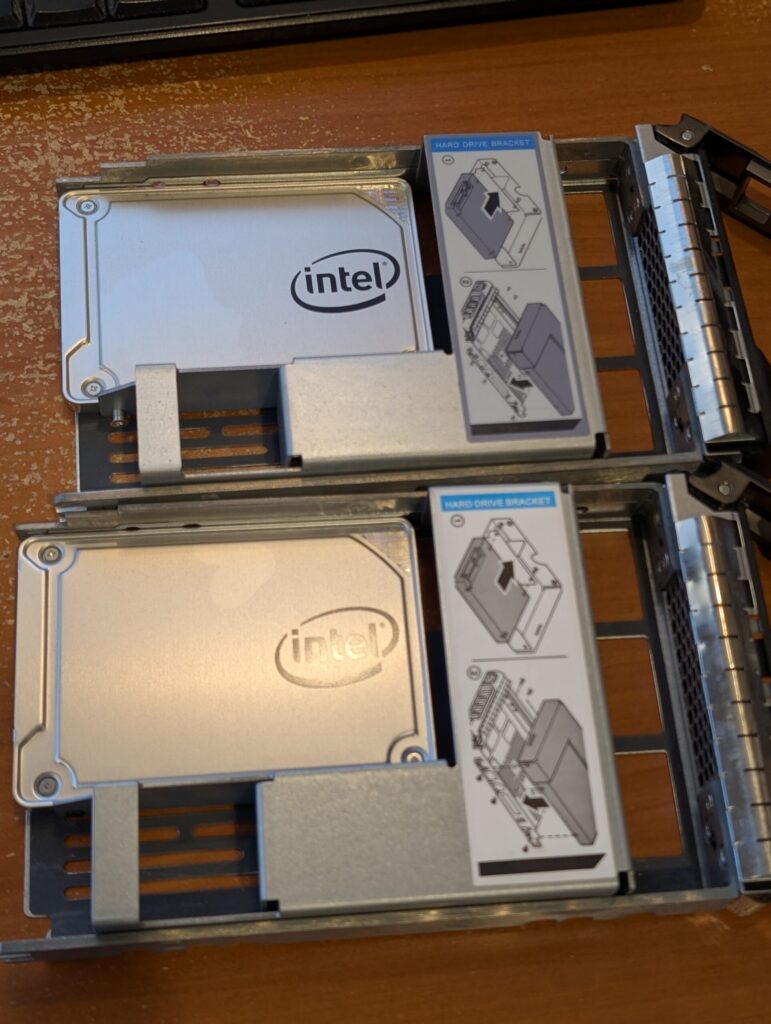
Six bays would still accommodate a four-drive RAID-10 array, but that would leave only two bays for another array. With RAID-1 mirrors, I could instead have three separate storage pools, each with its own pair of drives. And when I needed more capacity in one of those pools, I could upgrade just that pair rather than rebuild a four-drive array.
I used this design for one of the two current PVE hosts.
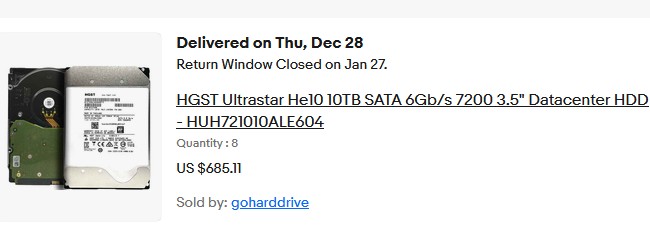
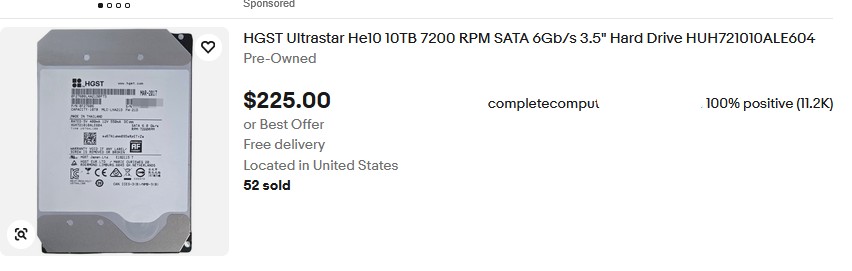
The other host, the primary one, I ended up retaining a 4x10TB RAID-10 array. That houses my primary OMV instance. I did math and determined that the space provided by those drives would allow for a fair number of years of media pool growth. The extra performance was also nice as this was being written to actively by all my security cameras as well as serving media via Plex. I thought at the time (pre-price explosion of all things PC-related in very late 2025; see the two images below for the differences) that when I eventually bumped into a space issue, I would be ready for a server replacement and then just populate the new server with larger capacity drives from the start.
Was Moving Away From RAID-10 Worth It?
For me, absolutely. RAID-10 served me well for years, and I still have a place for it in my home lab. But as my storage needs grew, I found that being able to expand individual mirrored arrays was much more useful than having the additional performance of RAID-10 everywhere.
With RAID-1, I can upgrade one pair of drives when I need more capacity, without rebuilding an entire four-drive array or spending days moving data around.
RAID-10 is still a great choice. It’s just not automatically the best choice for everything I do in my homelab anymore.
.
Leave a Reply